Submit the Case.
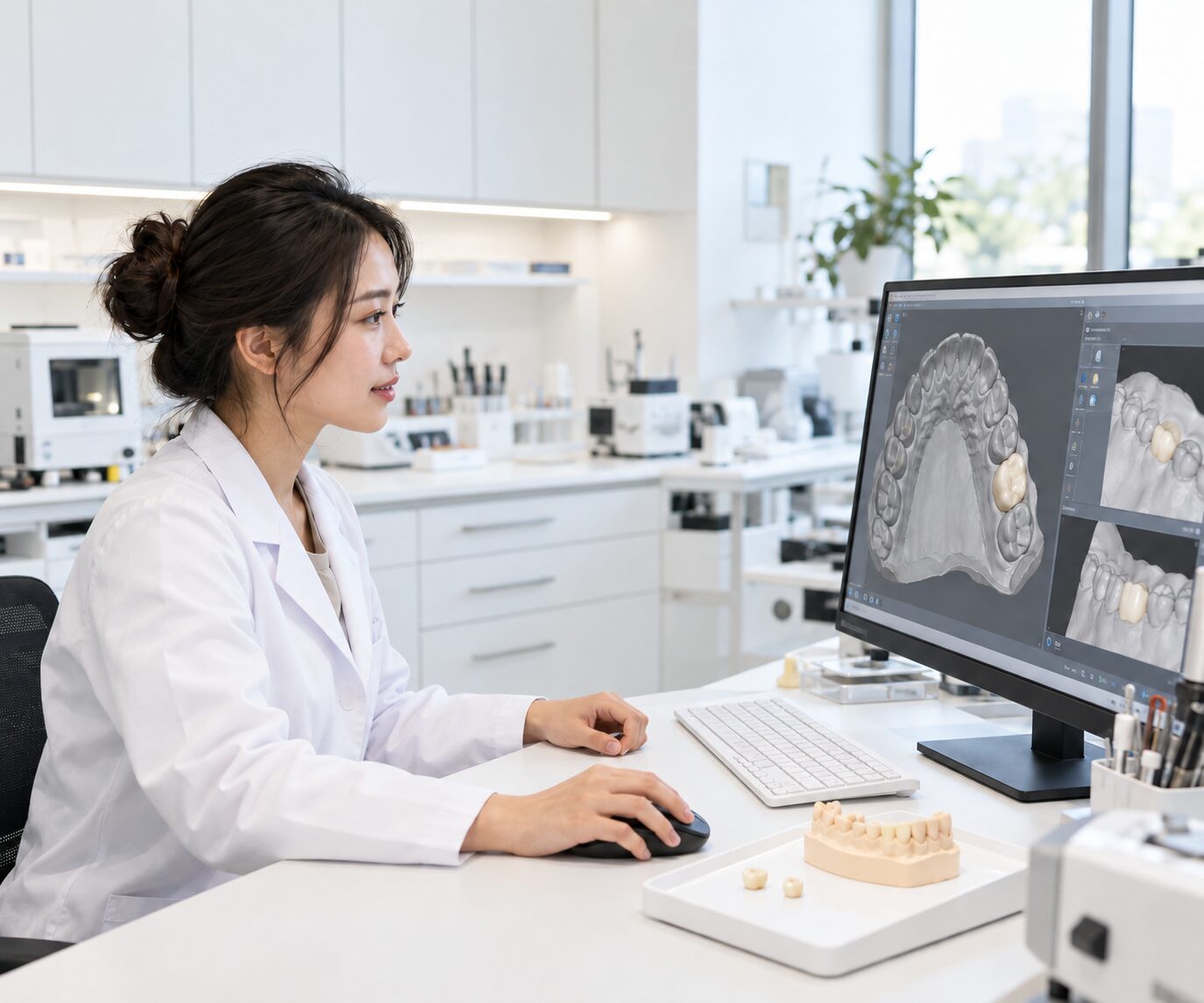
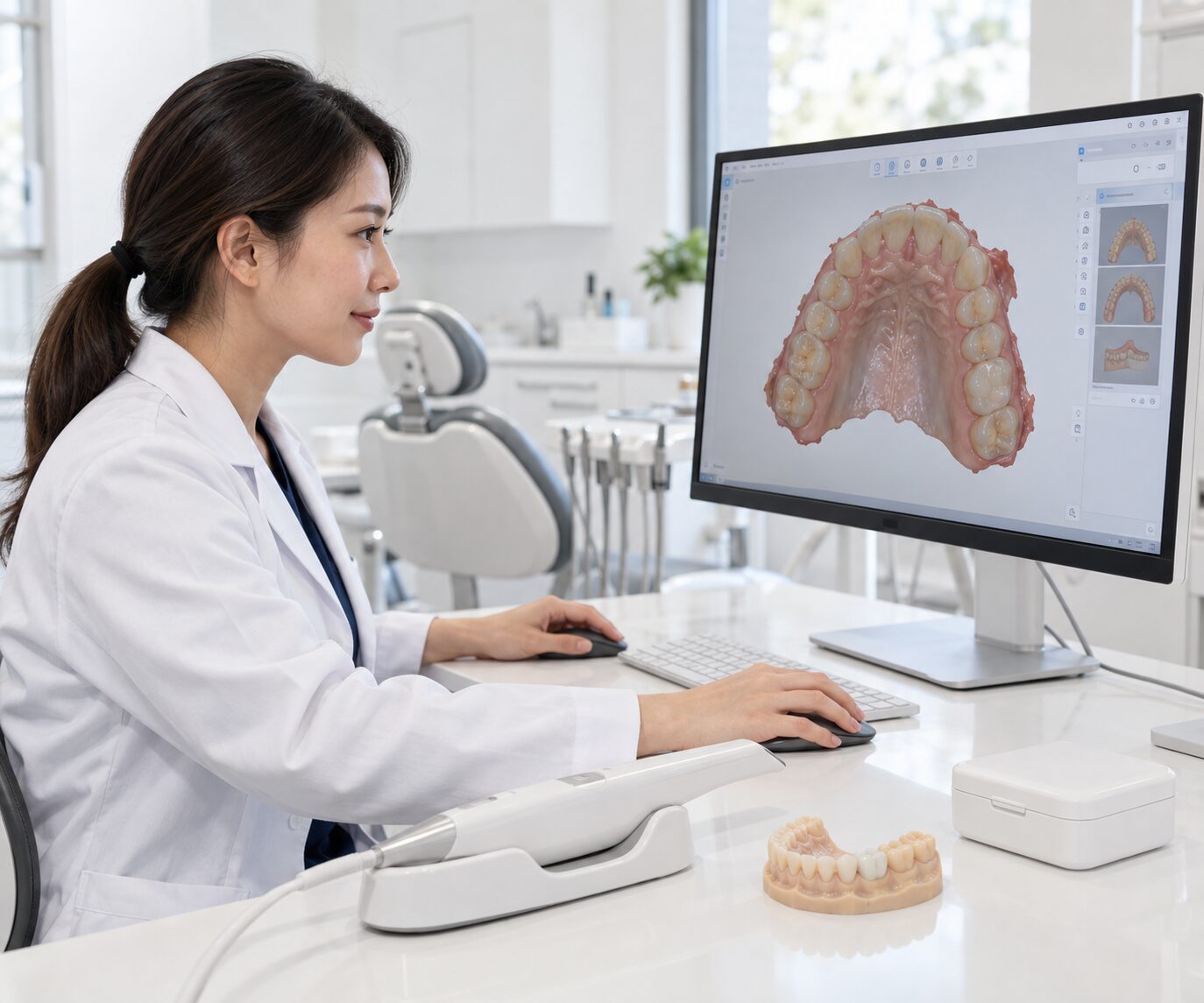
Send the available digital case records, prescription and workflow requirements to VCAD.
Connect case submission, digital validation, CAD design, approval, manufacturing, quality control and delivery through a structured production workflow built for dental laboratories and dental practices.
A digital dental workflow works best when every stage is connected — from the information entering the case to the files, production steps and quality checks leaving the lab.
VCAD is structured around this connected model. Case information moves through defined checkpoints instead of operating as isolated design and manufacturing tasks.
The exact workflow can be configured according to whether you use VCAD for CAD design, manufacturing or an integrated design-and-production process.
Each stage has a defined purpose: collect the right information, validate it, transform it into production data, manufacture the case and verify the output.
Send the available digital case records, prescription and workflow requirements to VCAD.
Available case information is reviewed before entering the design or production workflow.
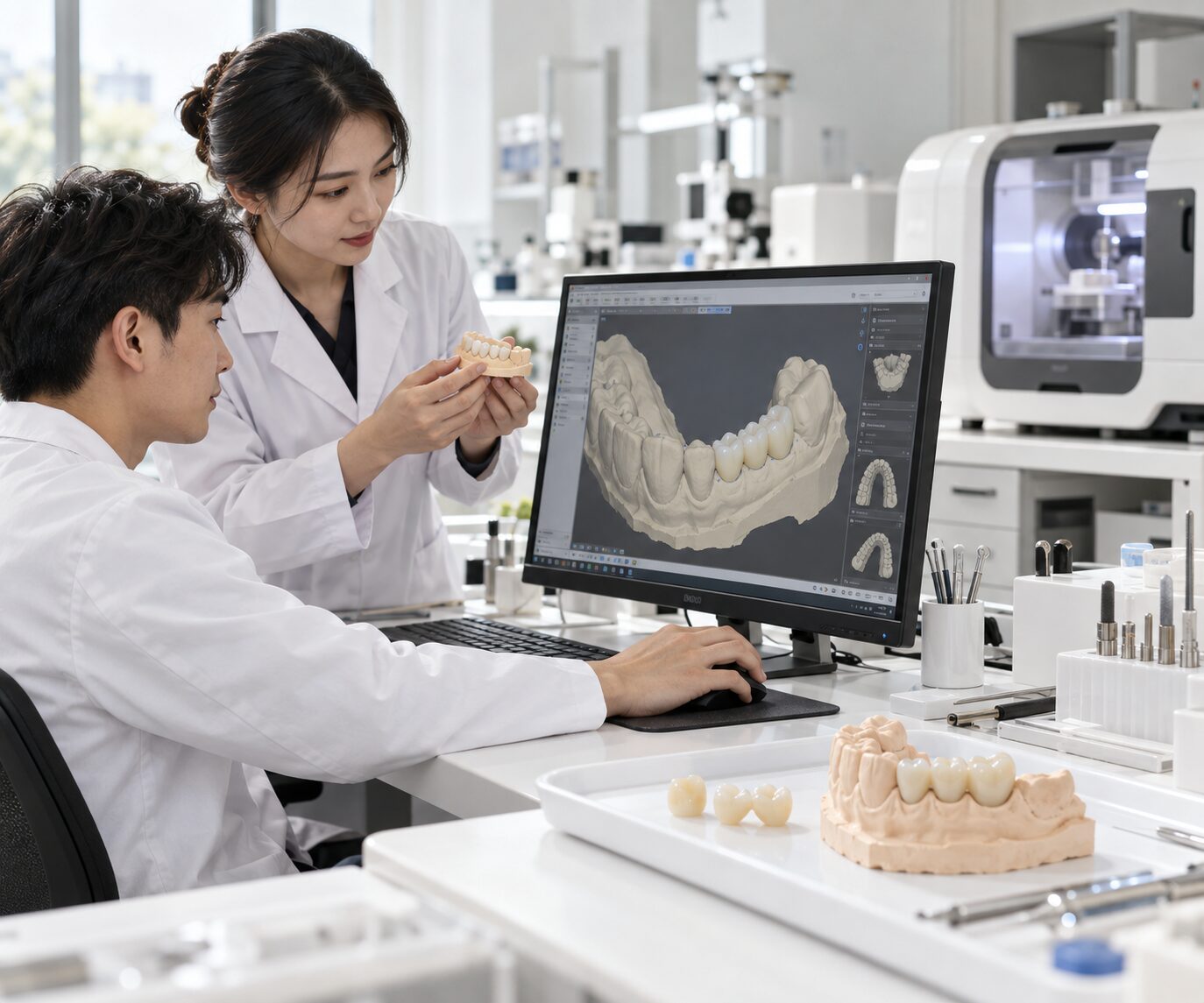
For cases using VCAD design services, the validated data moves into the applicable dental CAD workflow.
Where applicable, the digital design can move through the defined review and approval stage before production.
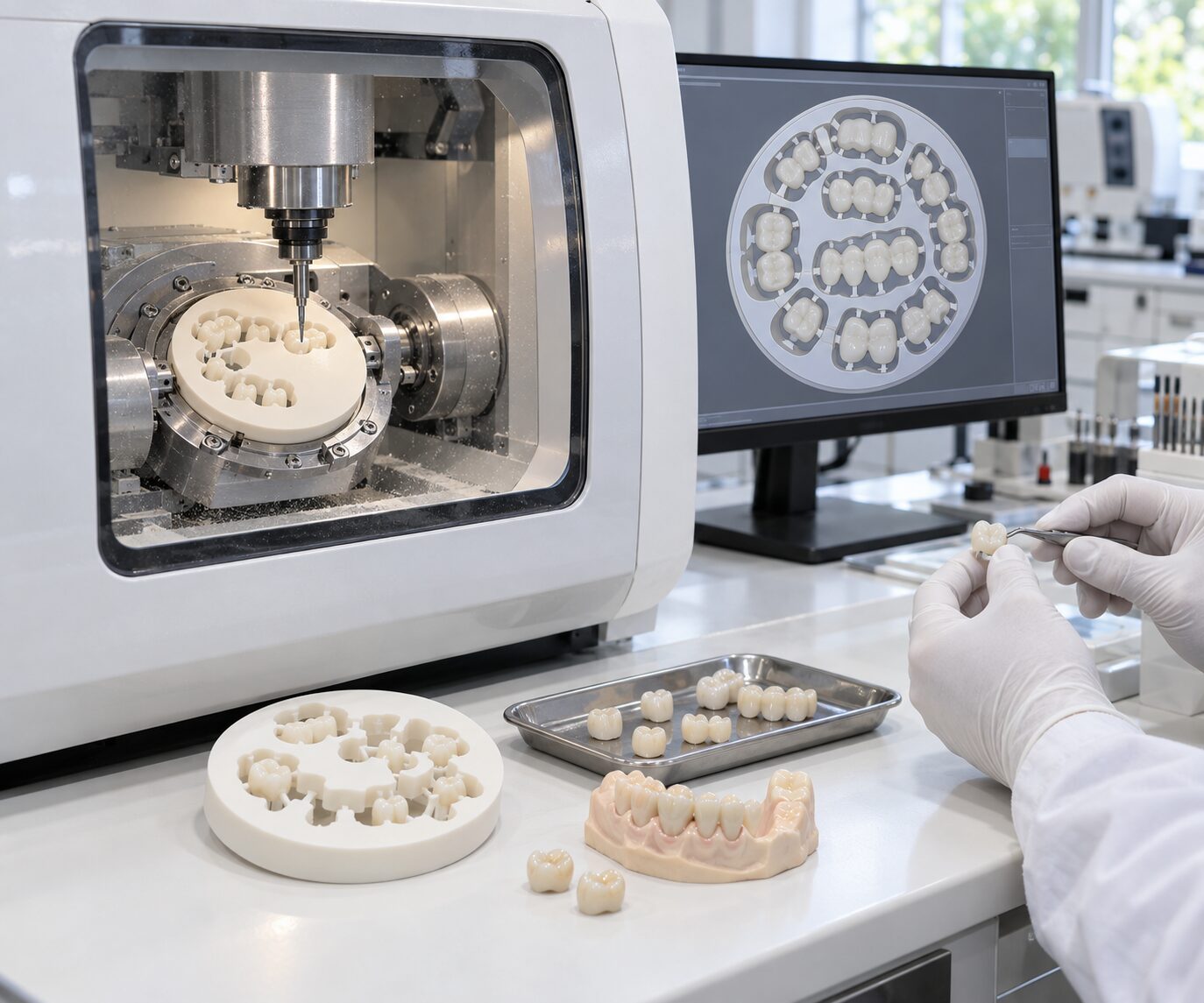
Approved or production-ready digital data moves into the applicable manufacturing workflow.
The applicable quality checkpoints are used across the digital and physical production flow before the case moves to final output.
The completed case moves to the defined output stage — digital file delivery, manufactured case delivery or the applicable combined workflow.
Instead of relying only on a final inspection, the workflow uses checkpoints across case intake, digital design and production.
Review available case information before processing begins.
Review applicable design parameters before downstream production.
Monitor applicable production and finishing stages.
Final output passes the applicable case review before completion.
You do not need to outsource every stage. VCAD can connect to selected parts of your existing digital workflow.
Keep production internally while using VCAD as external CAD capacity.
Send applicable production-ready case data into VCAD's manufacturing workflow.
Connect case intake, CAD, review, manufacturing and QC through VCAD.
Dental laboratories and dental practices can enter the VCAD workflow at different points depending on their internal capabilities.
01
Use VCAD for CAD overflow, manufacturing, specialized production or an extended production workflow.
02
Move applicable digital case information from the practice into a structured external design and production workflow.
A structured digital workflow helps create a clearer path between incoming case data, production activities and final output.
Connect case intake, CAD, production and QC instead of treating each stage as an isolated task.
Outsource design, manufacturing or selected parts of the workflow.
Introduce review stages across the digital and production process.
Add external workflow capacity as case requirements change.
Submit a sample case and evaluate how VCAD handles case intake, communication, digital processing, production and quality control before expanding the workflow.
Request a Sample Case ↗