VCAD DIGITAL DENTAL LAB DIGITAL DESIGN / MANUFACTURING / OEM
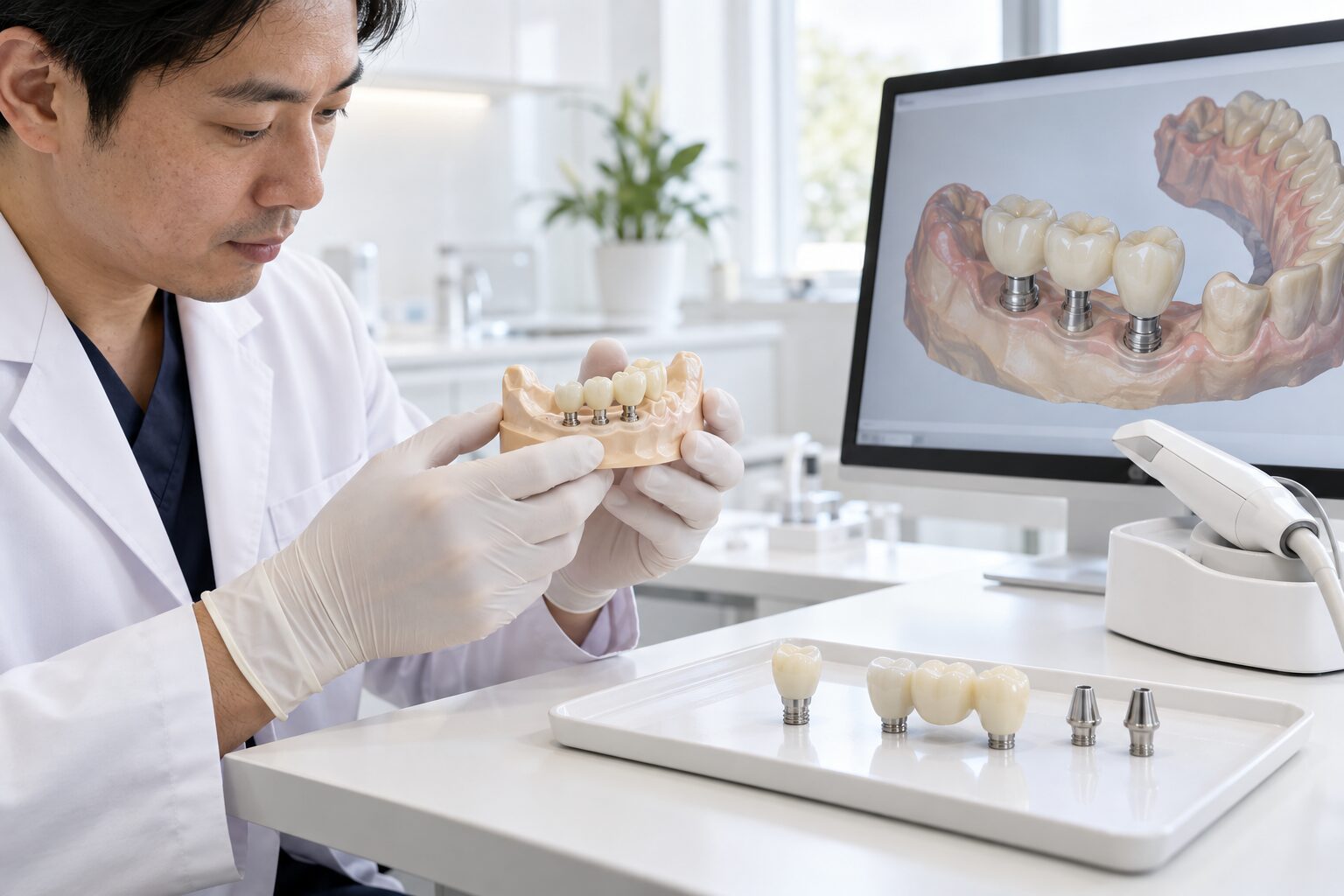
VCAD digital implant restorative solutions
PRODUCTS / IMPLANT SOLUTIONS

Digital Implant Restorative Solutions.

Digital design and manufacturing workflows for implant crowns, custom abutments, implant bridges and full-arch restorations — built around structured case data, component compatibility and production control.

01 — IMPLANT RESTORATIVE WORKFLOW

More Components. More Variables. More Control.

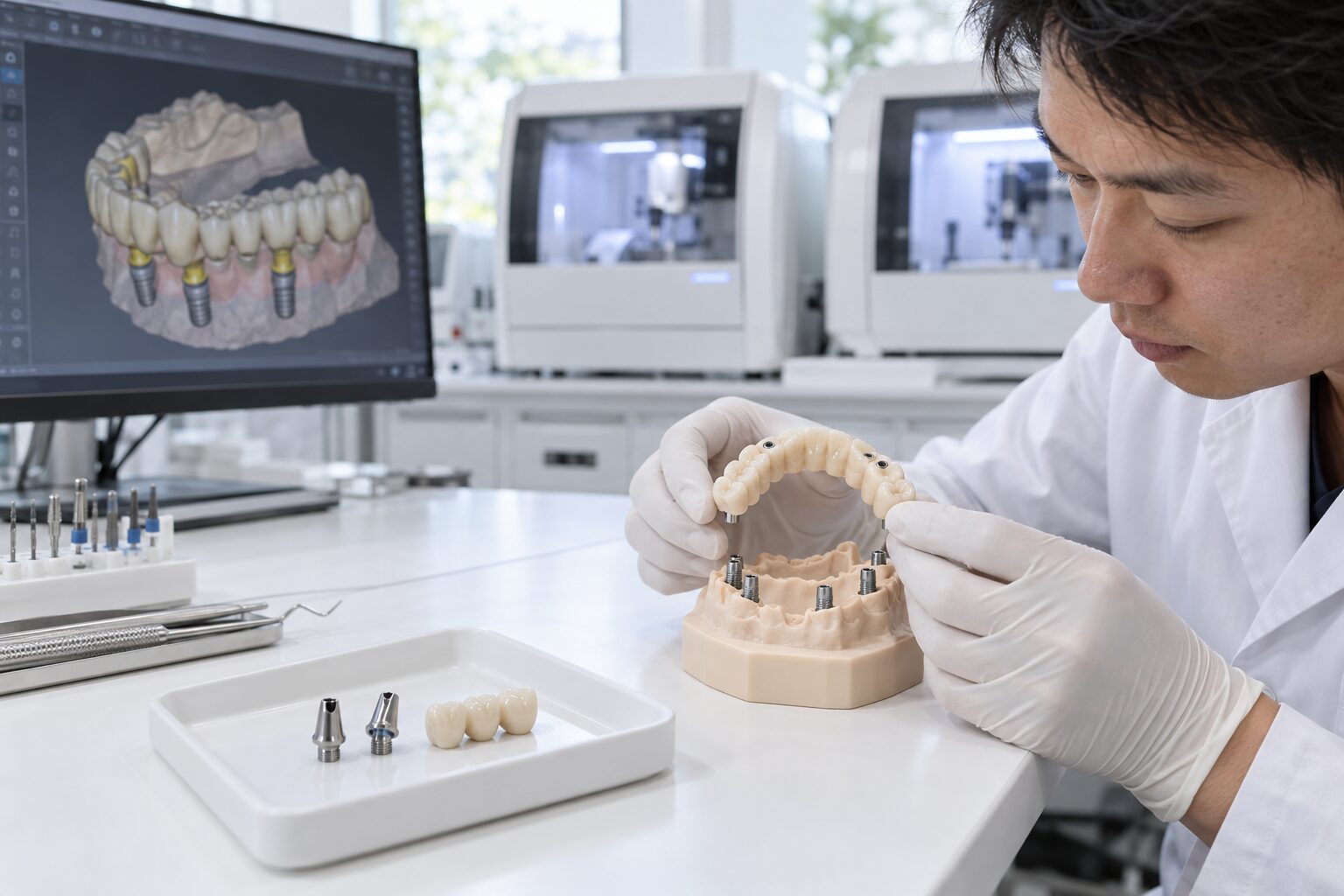
Implant restorative cases connect clinical data, implant components, prosthetic design and manufacturing into a more complex digital workflow.

VCAD supports selected implant restorative workflows from digital design through production, depending on the case configuration and supplied case information.

The objective is a structured production path that keeps case requirements, component information, restorative design and manufacturing aligned.

02 — DIGITAL CASE LOGIC

Implant Production Starts With the Right Data.

Before restorative production begins, the digital workflow needs to connect the case, implant interface and restorative requirements.

01
SCAN
CLINICAL DATA Digital Case Information
→
02
ID
INTERFACE Implant System Information
→
03
CAD
RESTORATION Prosthetic Design
→
04
CAM
PRODUCTION Manufacturing Workflow
→
05
QC
OUTPUT Verification & Delivery
03 — IMPLANT PRODUCT RANGE

Select the Implant Workflow.

Implant restorative production can range from single-unit cases to complex full-arch workflows.

01
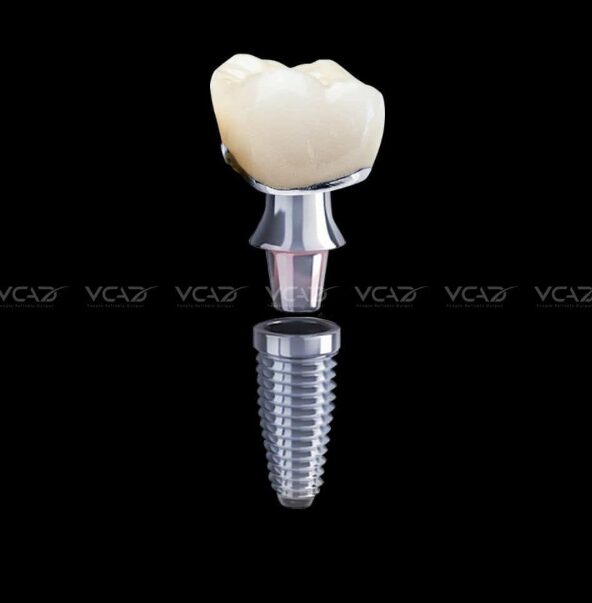
Digital implant crown SINGLE UNIT
IMPLANT RESTORATION

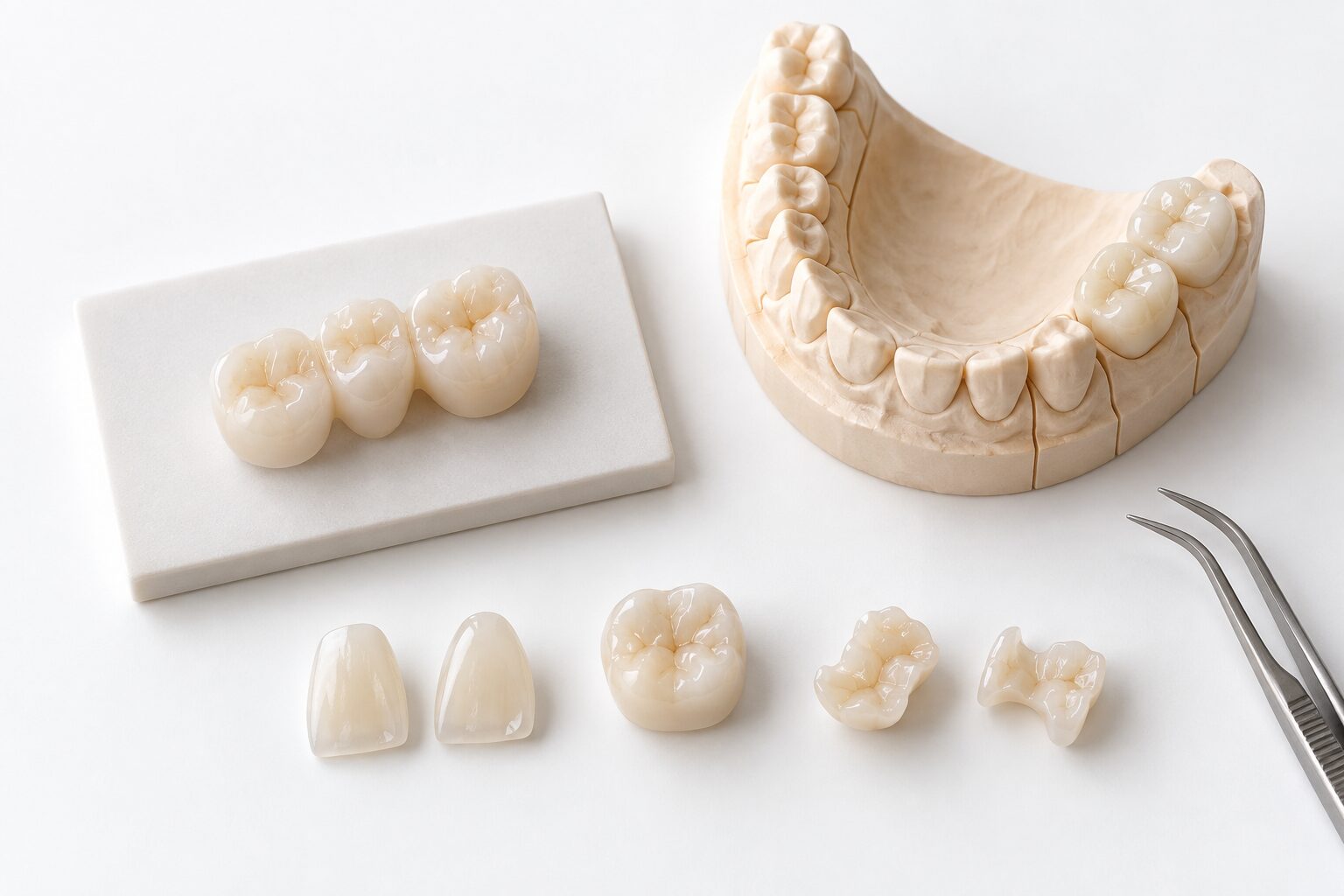
Implant Crowns

Digitally designed single-unit implant restorations integrated with the selected restorative and implant component workflow.

TYPE Single Unit
DESIGN Digital CAD
PRODUCTION Case Dependent
SEND AN IMPLANT CROWN CASE ↗
02
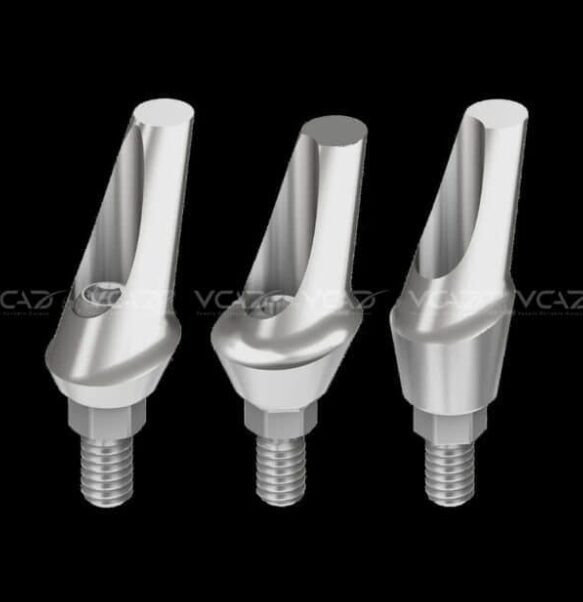
Digital custom implant abutment COMPONENT
CUSTOM COMPONENT

Custom Abutments

Patient-specific abutment design workflows developed around restorative requirements and compatible implant interfaces.

TYPE Custom Component
DESIGN Digital CAD
INTERFACE System Dependent
SEND AN ABUTMENT CASE ↗
03
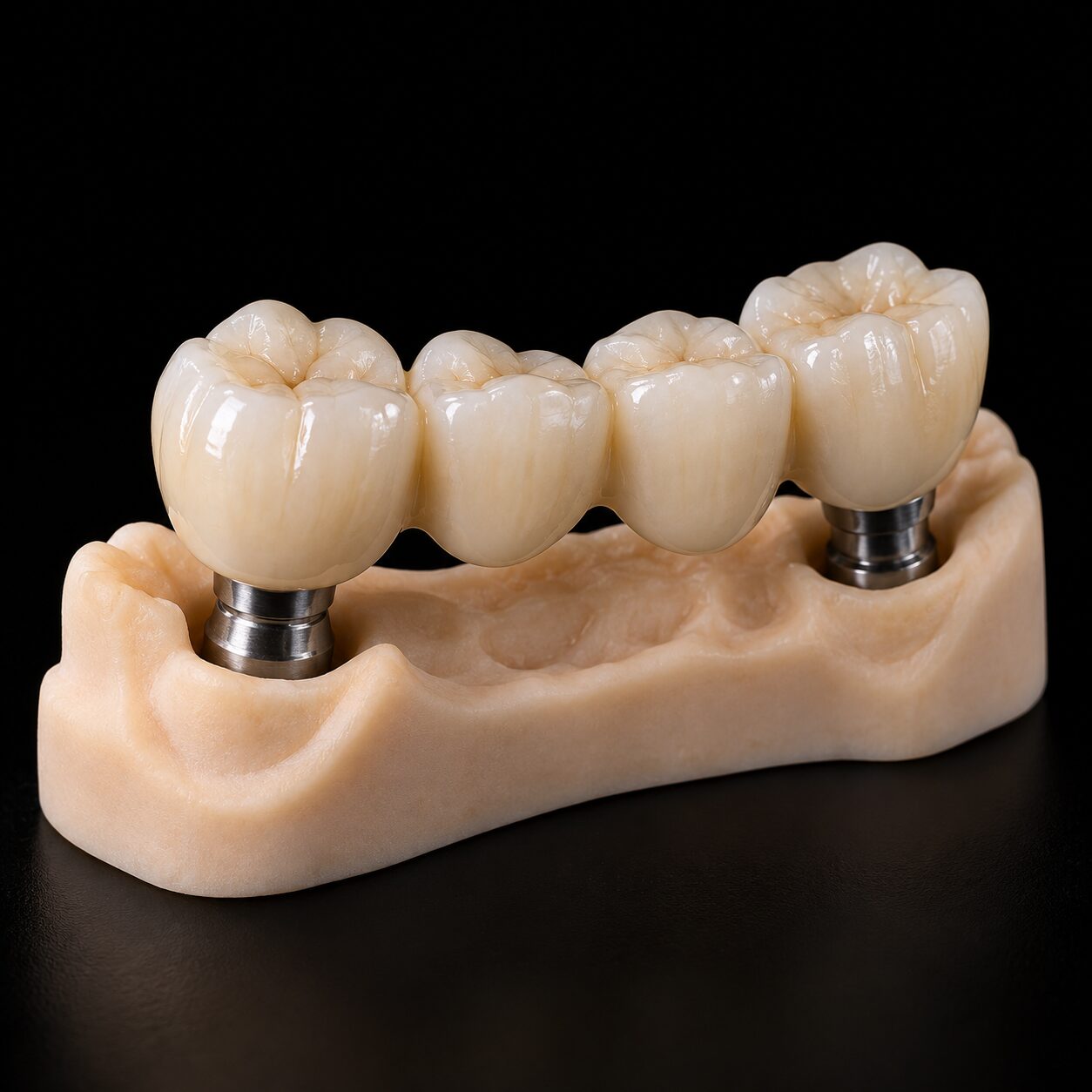
Digital implant supported bridge MULTI UNIT
MULTI-UNIT RESTORATION

Implant Bridges

Multi-unit implant restorative workflows connecting implant position data, restorative design and selected production processes.

TYPE Multi Unit
DESIGN Digital CAD
COMPLEXITY Case Dependent
SEND AN IMPLANT BRIDGE CASE ↗
04 — COMPONENT COMPATIBILITY

The Interface Matters.

Implant restorative workflows depend on the implant system, restorative components and digital information supplied with the case.

VCAD reviews compatibility requirements before a case enters the applicable design and manufacturing workflow.

CASE COMPATIBILITY CHECK
01
DATA Implant System
CHECK
02
COMPONENT Implant Interface
CHECK
03
DIGITAL Scan / Library Data
CHECK
04
RESTORATIVE Case Configuration
CHECK
05
PRODUCTION Manufacturing Path
CHECK
Compatibility is reviewed according to the specific implant system and case configuration.
05 — CASE INPUT

Better Input. Better Production Control.

Required data varies by case, but implant workflows typically need more structured information than conventional restorative cases.

01
3D
GEOMETRY

Digital Scan Data

Appropriate digital geometry for the restorative workflow.

02
ID
IMPLANT

System Information

Implant system and relevant component information for compatibility review.

03
RX
REQUIREMENT

Restorative Instructions

Case-specific restorative requirements and requested workflow information.

04
REF
REFERENCE

Supporting Records

Additional reference data where required for the selected case workflow.

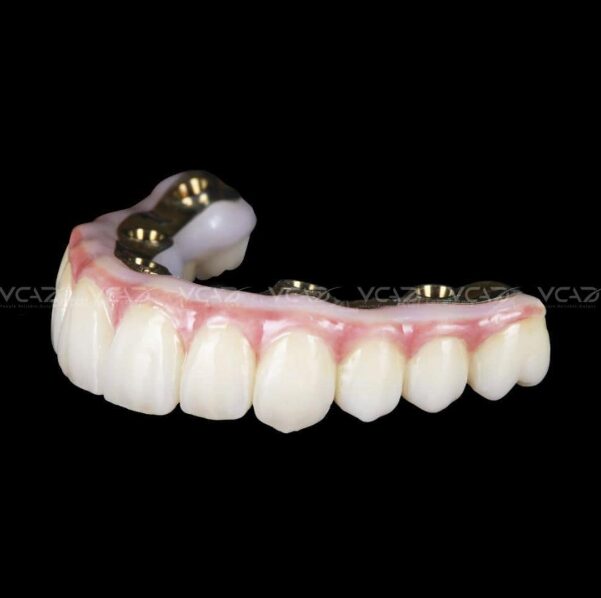
VCAD full arch implant restorative workflow
ADVANCED WORKFLOW
06 — FULL-ARCH

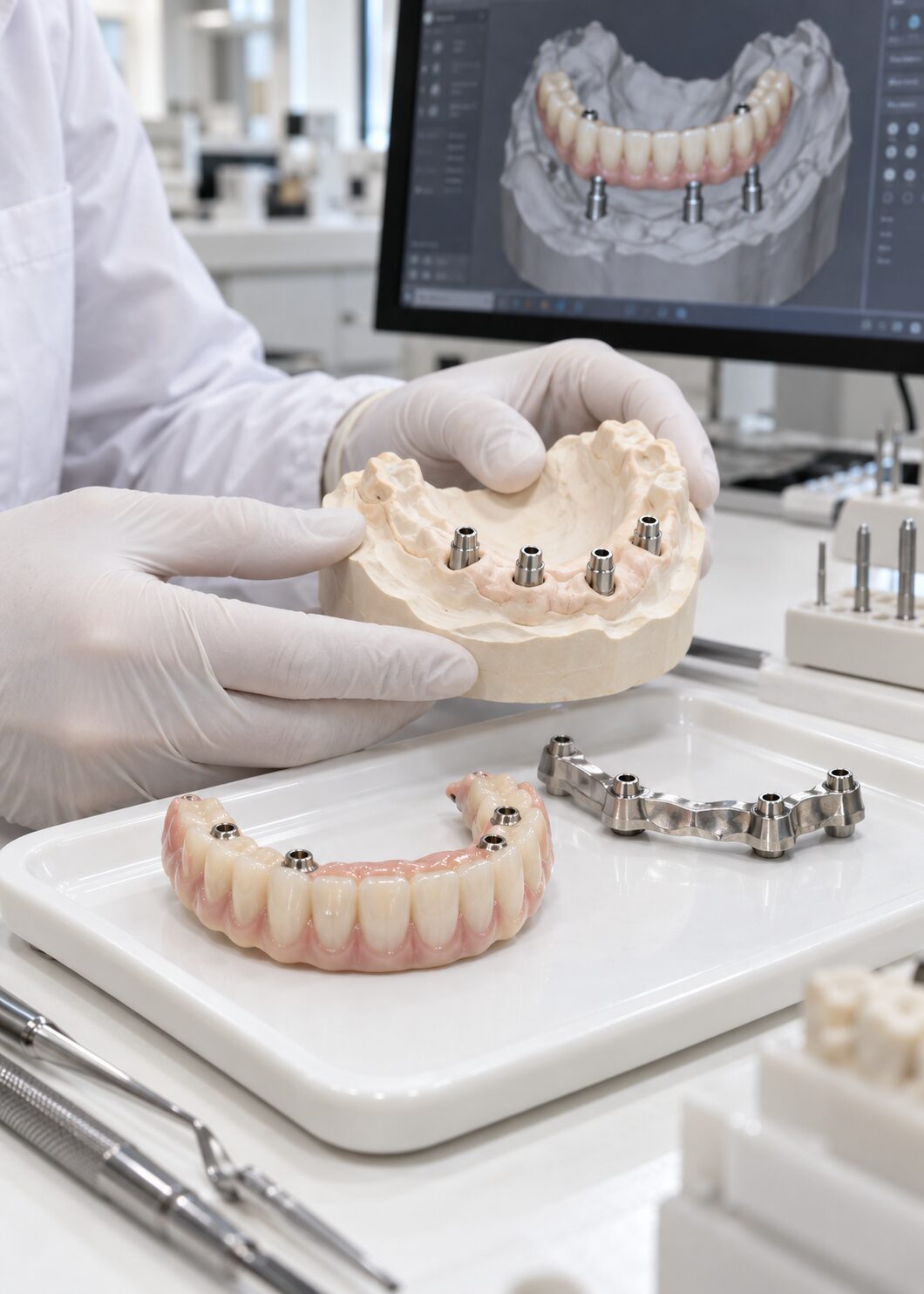
Complex Cases Need a Structured Workflow.

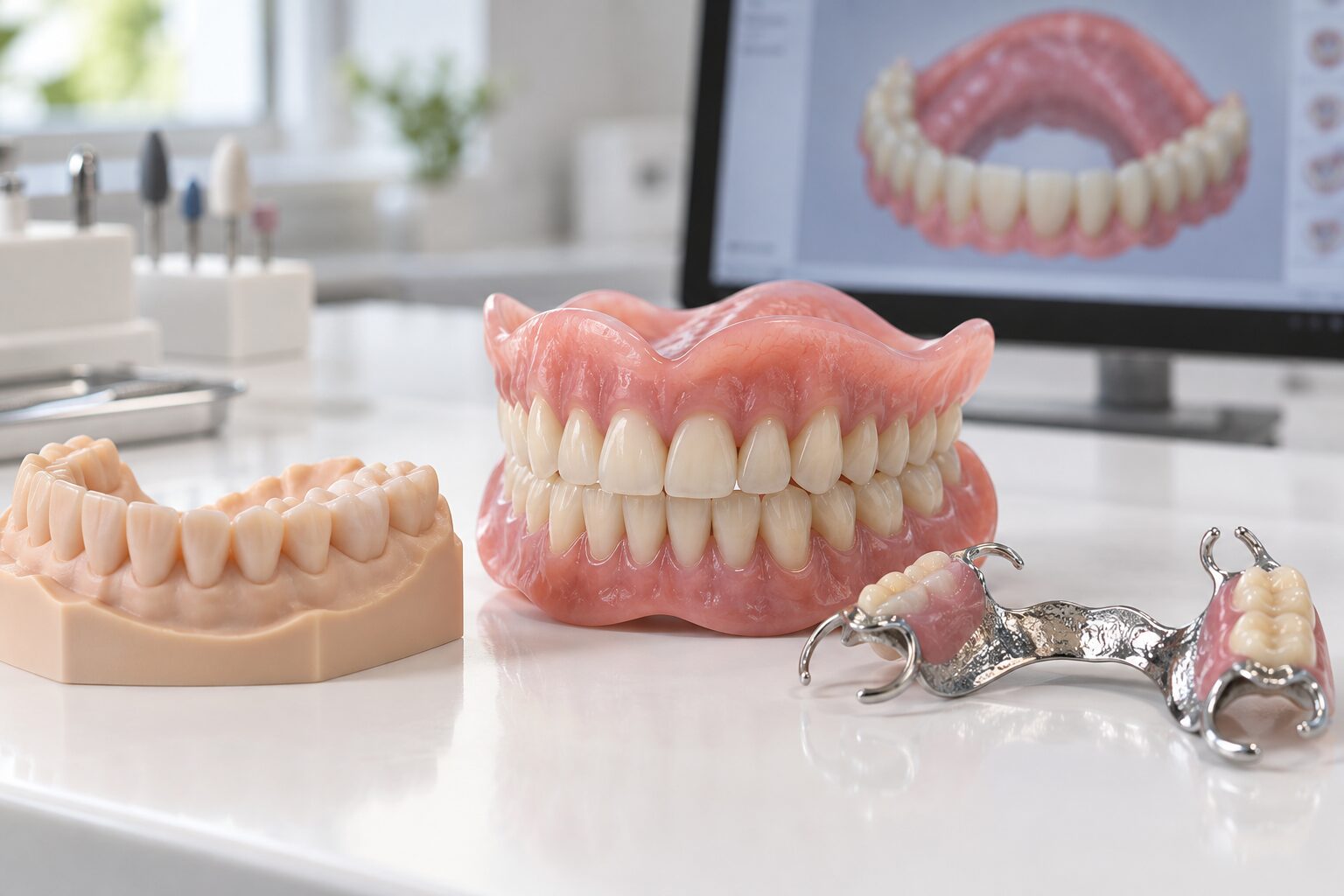
Full-arch implant restorations bring multiple digital and production variables into a single case. The workflow therefore requires additional case validation, design coordination and review.

01 Case Data INPUT
02 System Check COMPATIBILITY
03 Prosthetic Design CAD
04 Design Review CONTROL
05 Production CAM
06 Final QC OUTPUT
DISCUSS A FULL-ARCH CASE →
07 — IMPLANT PRODUCTION WORKFLOW

Data to Design. Design to Production.

A structured implant workflow creates checkpoints between case intake, design, production and final output.

01 INPUT

Submit Case

Digital files, implant information and restorative requirements are received.

02 VALIDATION

Case Check

Required data and implant information are reviewed.

03 CAD

Design

The selected implant restoration enters digital design.

04 CONTROL

Review

Applicable design and production requirements are verified.

05 CAM

Manufacture

Approved data enters the appropriate production process.

06 QC

Final Check

Production output moves through defined quality-control stages.

07 OUTPUT

Deliver

The completed case returns to the customer's workflow.

EXPLORE COMPLETE DIGITAL WORKFLOW →
08 — QUALITY CONTROL

Control the Case Before the Final Check.

Implant quality control should not exist only at the end of production. Verification is distributed across the digital and manufacturing workflow.

QC / 01
INPUT

Case Data Validation

Review submitted digital information before design begins.

QC / 02
COMPONENT

Compatibility Review

Confirm applicable implant and restorative component information.

QC / 03
DIGITAL

CAD Design Review

Review relevant restorative geometry before production.

QC / 04
PRODUCTION

Manufacturing Verification

Production output moves through applicable process checks.

QC / 05
OUTPUT

Final Case Review

Completed output is reviewed before leaving the production workflow.

Implant production support for dental laboratories
01 / DENTAL LABS

Extend Your Implant Production Capability.

Use VCAD for implant CAD support, selected production stages, complex cases or recurring external capacity.

FOR DENTAL LABS ↗
Digital implant restorative workflow for dental practices
02 / DENTAL PRACTICES

Connect Digital Cases to Implant Production.

Connect compatible digital case information with external implant restorative design and production.

FOR DENTAL PRACTICES ↗
11 — SAMPLE CASE

Start With One Implant Case.

Submit an implant restorative case for review and evaluate VCAD's digital workflow, communication and production process before expanding case volume.

Request a Sample Case ↗