VCAD DIGITAL DENTAL LAB DIGITAL DESIGN / MANUFACTURING / OEM
VCAD Dental CAD Design Services
SERVICES / DENTAL CAD DESIGN

Dental CAD Design. Built for Production.

Digital dental design support for laboratories and dental practices that need reliable capacity, consistent workflows and production-ready CAD files.

01 — DIGITAL DESIGN

An Extension of Your CAD Team.

Increase design capacity without continuously expanding your internal CAD department.

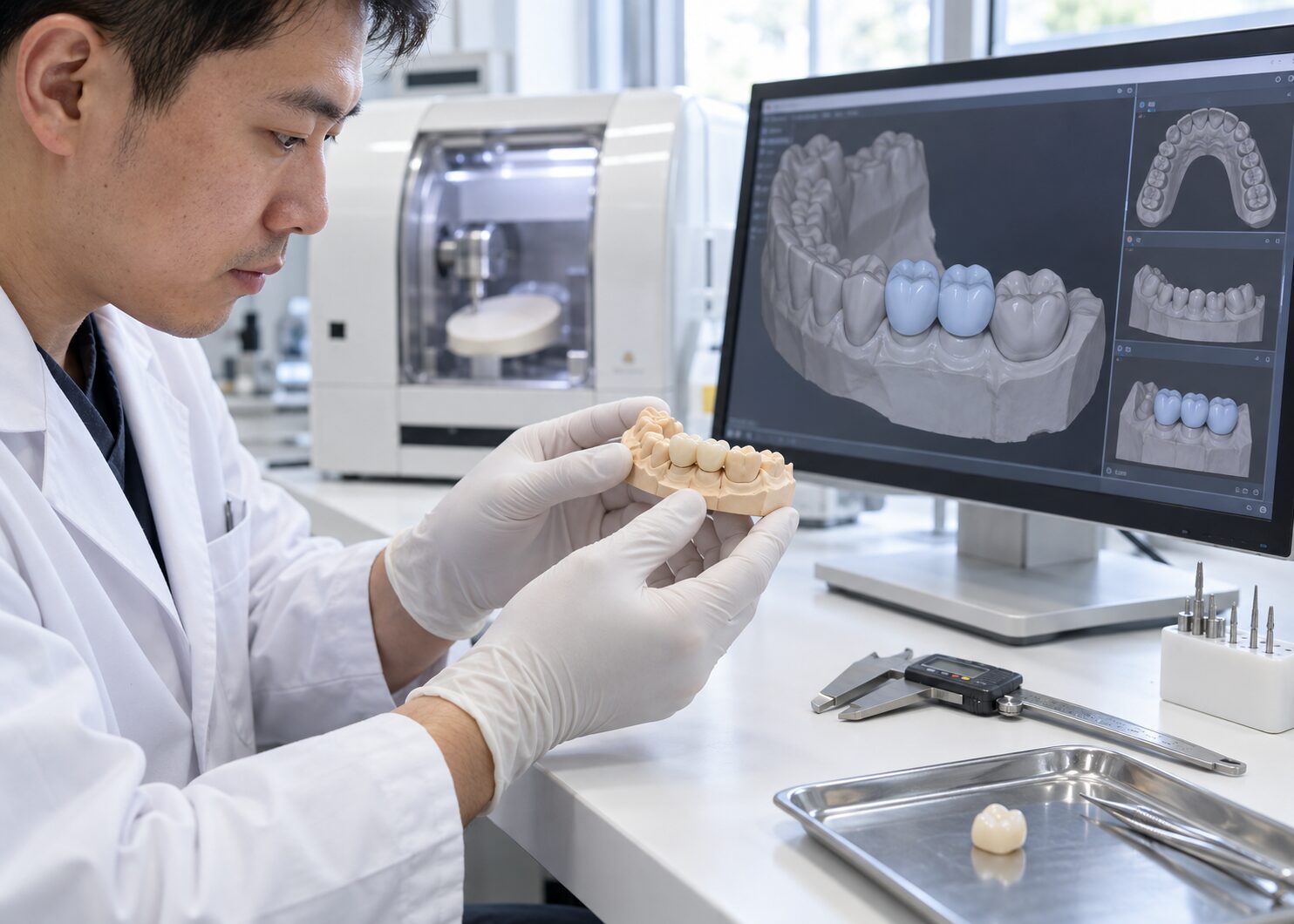
VCAD works as an external digital design resource for dental laboratories and practices. Your team sends case data and requirements; our technicians prepare digital designs for review, approval or production.

The workflow can be used for individual cases, overflow support or recurring design production.

STANDARD CAD 8–12H

Typical design workflow*

WORKFLOW 100%

Digital case processing

SOFTWARE EXOCAD

Digital design workflow

SOFTWARE 3SHAPE

Compatible workflows

*Turnaround varies by case type, complexity and revision requirements.

02 — DESIGN CAPABILITIES

One CAD Team. Multiple Workflows.

A broad range of dental CAD workflows managed through one digital production partner.

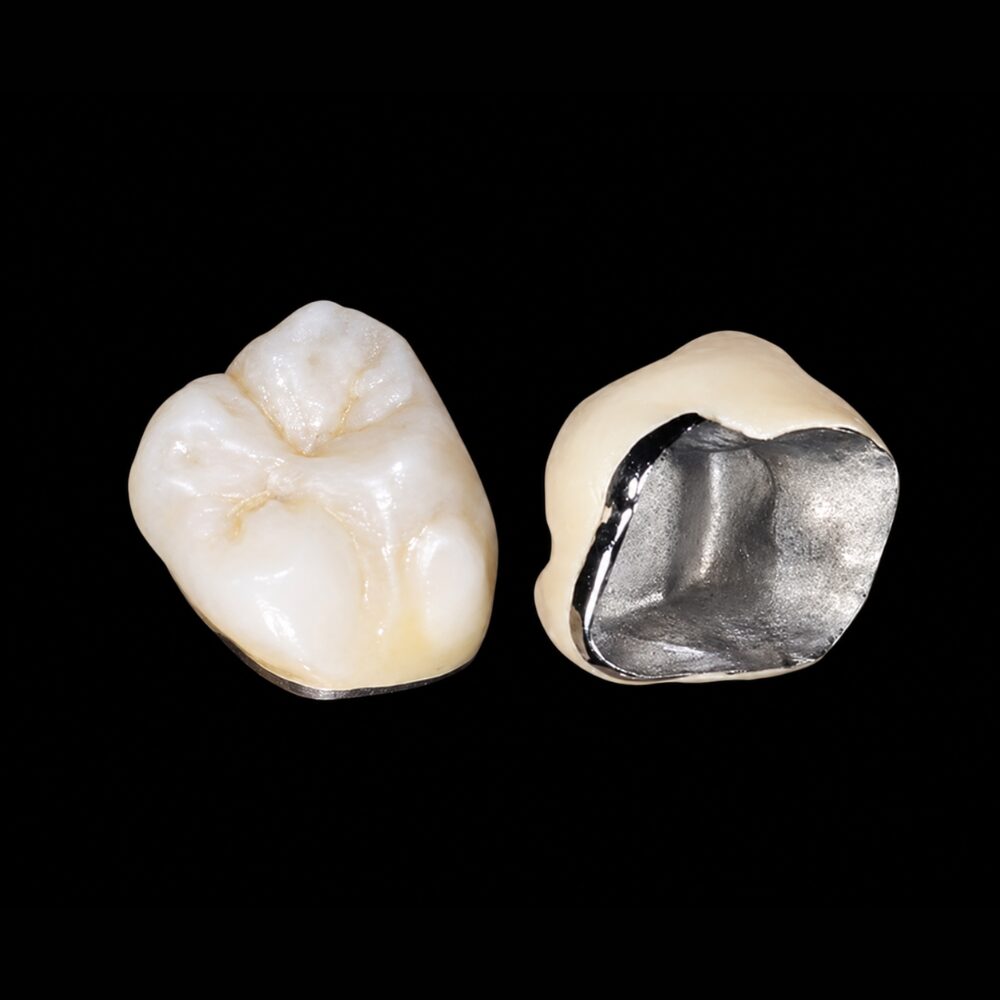
01 RESTORATIVE
Crown and Bridge CAD Design

Crown & Bridge Design

Digital restorative designs prepared around margin accuracy, morphology, contacts and production requirements.

  • Single Crowns
  • Bridges
  • Veneers
  • Inlays & Onlays
  • Temporary Restorations
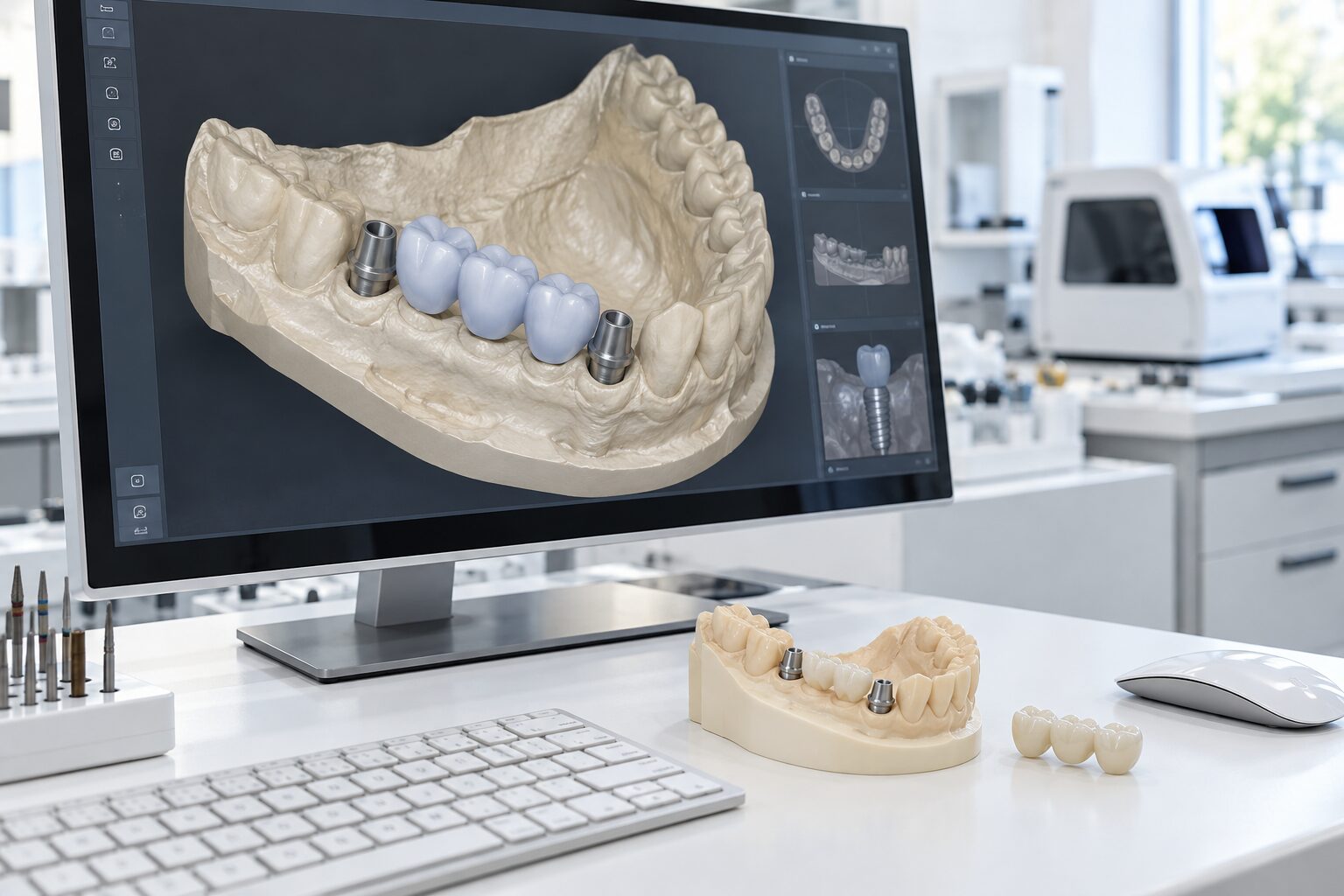
02 IMPLANT
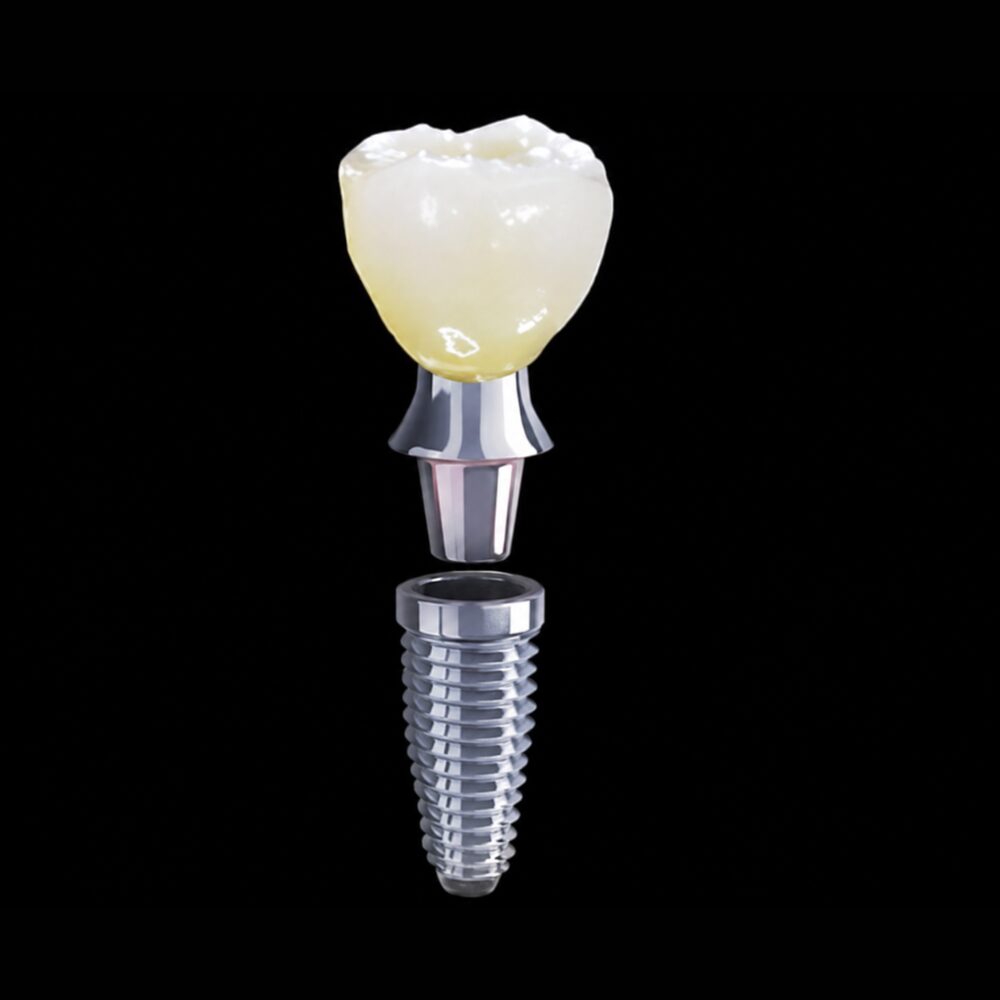
Implant CAD Design

Implant Design

Digital implant restorative design supporting multiple prosthetic configurations and workflows.

  • Implant Crowns
  • Screw-Retained Restorations
  • Custom Abutments
  • Implant Bridges
  • Implant Prosthetics
03 ADVANCED
Full Arch CAD Design

Full-Arch Design

Digital planning and prosthetic design for complex full-arch restorative workflows.

  • All-on-X
  • Full-Arch Prosthetics
  • Hybrid Restorations
  • Implant Bars
  • Prototype / Temporary
04 REMOVABLE
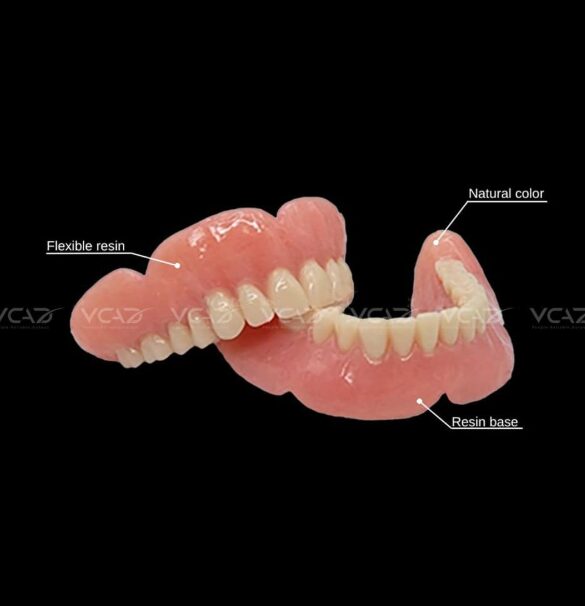
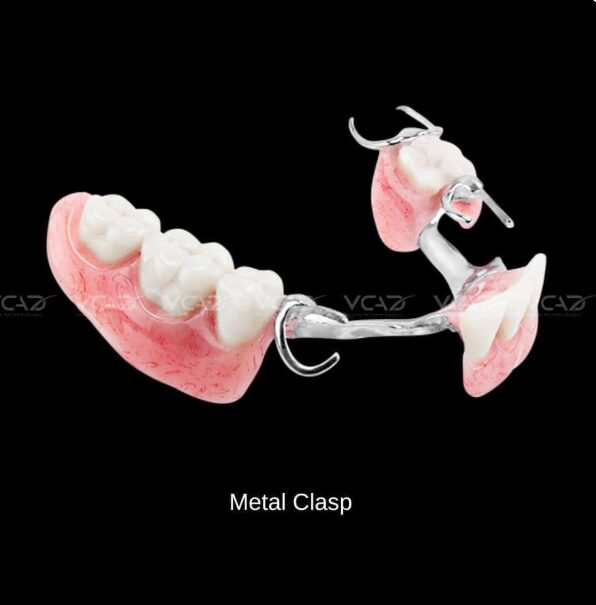
Removable Dental CAD Design

Removable Design

Digital removable workflows supporting modern denture and framework production.

  • Complete Dentures
  • Partial Dentures
  • Digital Dentures
  • Framework Design
  • Overdentures
05 SPLINT
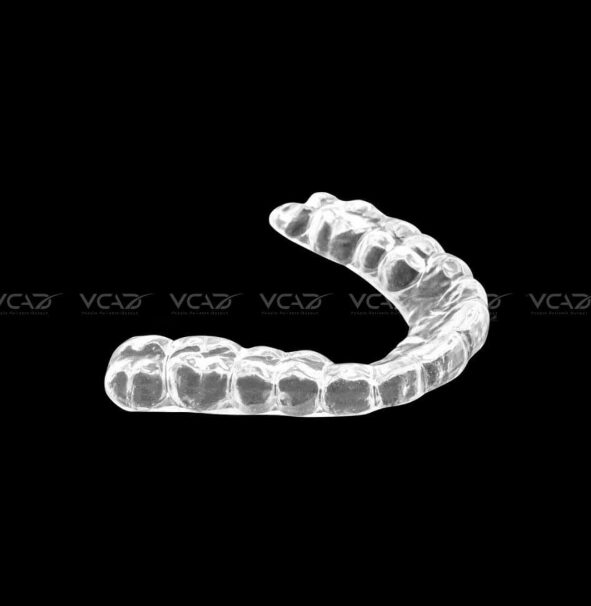
Splint and Night Guard CAD Design

Splint & Night Guard Design

Digital appliance design prepared for efficient printing or milling workflows.

  • Night Guards
  • Occlusal Splints
  • Anti-Grinding Appliances
  • Custom Splints
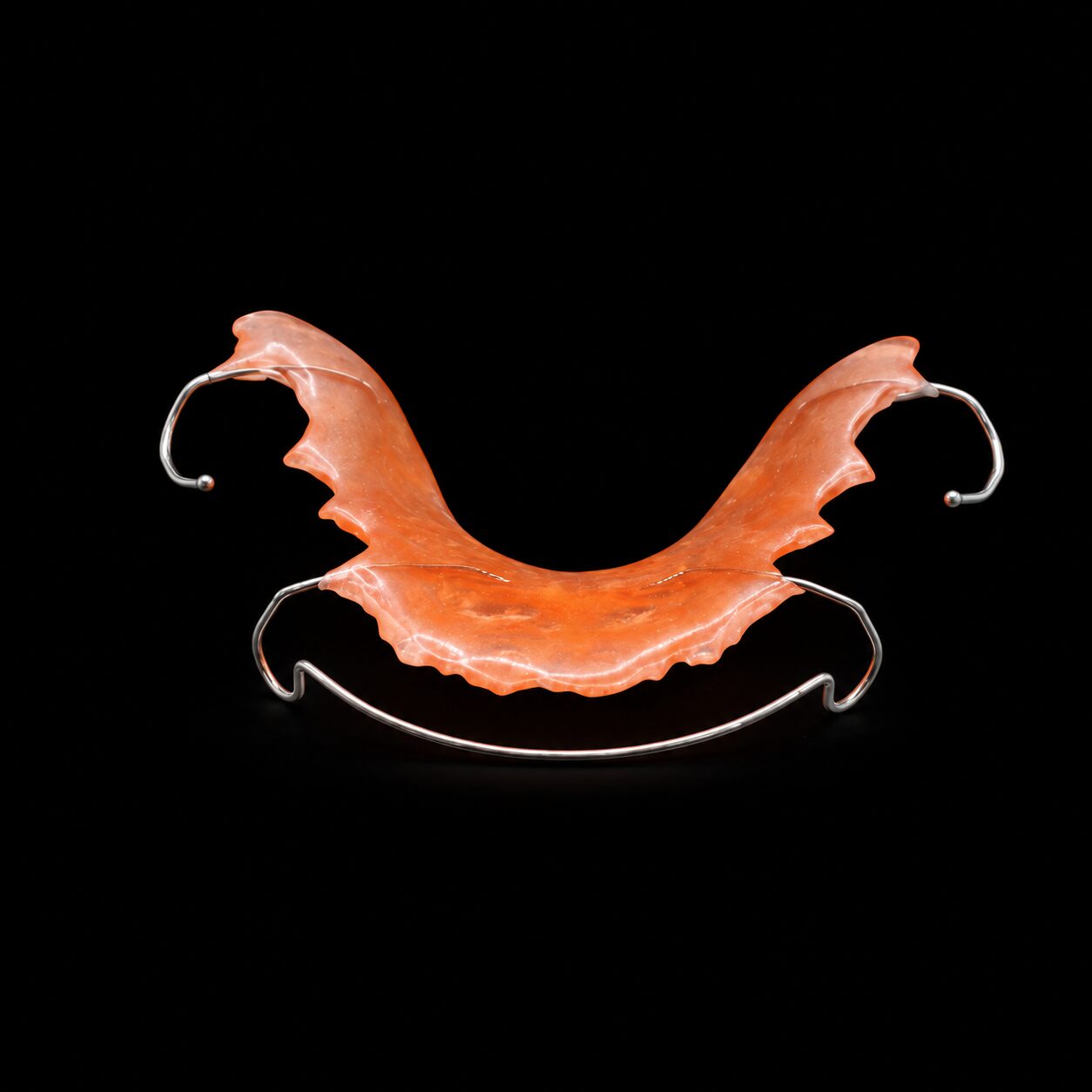
06 ORTHODONTIC
Orthodontic CAD Design

Orthodontic Design

Digital orthodontic design support for appliance and model-based workflows.

  • Orthodontic Appliances
  • Digital Models
  • Retainer Workflows
  • Custom Appliance Design
03 — DESIGN SAMPLES

Don't Just Read About It. See the Design.

Explore sample digital dental designs and inspect the type of CAD work VCAD can deliver before submitting your first case.

Open Design Demo ↗
VCAD / DIGITAL DESIGN VIEWER
VCAD dental CAD design sample
CASE IMPLANT
WORKFLOW EXOCAD
STATUS QC READY
VIEW INTERACTIVE DESIGN ↗
04 — CAD WORKFLOW

Your Files In. Production-Ready Design Out.

A structured workflow keeps case requirements, design and quality control connected.

01
+

Submit Case

Send scan files, prescriptions and case requirements.

02
✓

Case Check

Files and design requirements are reviewed.

03
⌘

CAD Design

Case is assigned and digitally designed.

04
◎

Quality Control

Design passes defined technical checkpoints.

05
↓

File Delivery

Approved production-ready files are delivered.

05 — DIGITAL COMPATIBILITY

Designed to Fit Your Existing Workflow.

VCAD supports common dental digital formats and workflows, helping your team outsource design without rebuilding its existing digital process.

FORMAT STL
FORMAT PLY
FORMAT XML
DATA DICOM
CAD EXOCAD
CAD 3SHAPE
VCAD CAD design quality control
06 — DESIGN QUALITY

Design Is Only Useful If It Can Be Produced.

Our CAD workflow considers downstream manufacturing requirements rather than treating design as an isolated digital task.

01 Case Requirement Check
02 Margin & Geometry Review
03 Contact & Occlusion Review
04 Manufacturing Compatibility
05 Final File Check
07 — SCALE YOUR CAPACITY

Use VCAD as Much or as Little as You Need.

Our design service can support temporary overflow or become part of your recurring digital production workflow.

01 USE CASE

Overflow Support

Send cases when your internal CAD team reaches capacity or faces temporary demand peaks.

02 USE CASE

Dedicated Outsourcing

Move selected design workflows to VCAD on a recurring production basis.

03 USE CASE

Extended CAD Team

Integrate VCAD as an ongoing extension of your internal digital design department.

START WITH ONE CASE

Test the Workflow. Review the Design.

Send VCAD a sample case and evaluate our design quality, communication and workflow before scaling production.

Request a Sample Case ↗